Decide what your master set includes
Collectors use master set to mean more than one card per number, but the exact scope can differ. Decide whether your goal includes regular and reverse-holo printings, secret rares, stamped versions or related promos. Write down your rules before treating a percentage as completion.
Use the set's catalog and supported variants as your starting point. A complete base checklist and a collector-defined master set are not automatically the same thing. Catalog coverage may differ by language and expansion.
Scan what you already own
Open the photo scanner for binder pages or use Live mode for loose cards. Keep card names and numbers visible, avoid strong glare and review each returned match before saving. Scanning a printed card does not replace checking its finish and exact variant.
Verify quantities too. Two copies of one printing do not fill the slot for a different printing. This review keeps your missing-card list useful when you are buying or trading.
Keep owned and missing cards visible
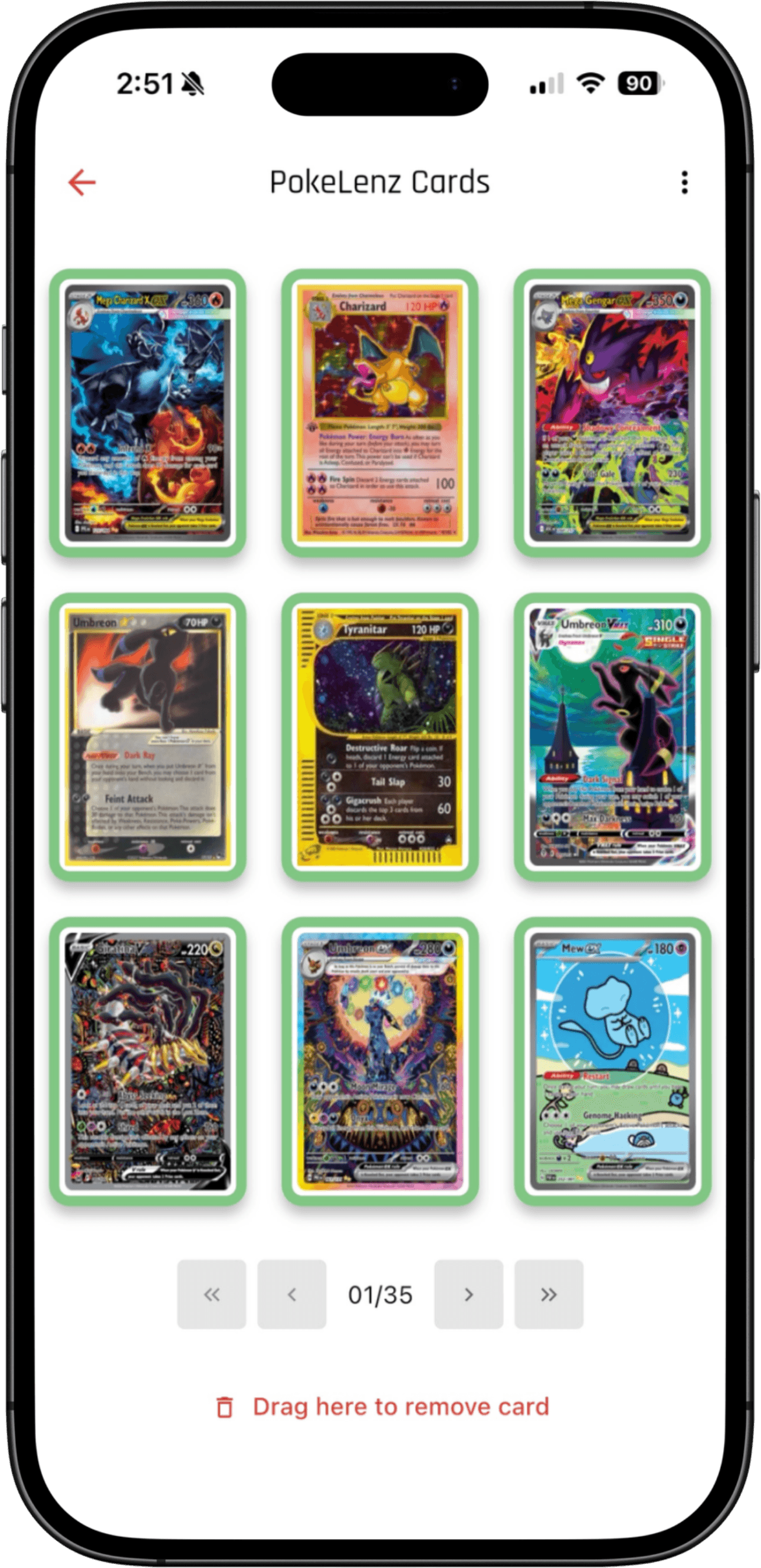
Use PokeLenz's set-completion tools to review progress and missing cards. In a digital binder, ownership status and card placement give you another way to organize the collection. You can group an evolution line together or keep a set in checklist order.
The interactive binder sample shows ownership changes on a small selection of cards. It illustrates the interaction, not a complete master-set checklist. Use the app's supported set and variant records for your actual collection.
Plan the next addition
Save wanted cards to a wishlist and use the wishlist budgeter to plan around your spending limit. Check the relevant printing and available market reference before deciding what to buy. Once a card arrives, update ownership so your next trip starts with a current list.
Bring set-progress or binder widgets into the way you revisit your collection. For a collector working toward completion, the next useful action is often identifying one missing card rather than watching a total value change.
Common questions
Does a Pokémon master set include reverse holos?
Many collectors include both regular and reverse-holo printings where they exist. Promo and stamped-card rules vary, so define the scope of your checklist and check supported variants.
Can I use binder scans to start a checklist?
Yes. Scan the cards, review their identities and printings, then save them and check ownership against your set. Review the finish and quantities rather than assuming a photo verified every variant.
Can a digital binder show missing cards?
PokeLenz binder ownership controls let you distinguish owned cards from unowned entries. Its set tools provide another way to review completion and the cards you still need.