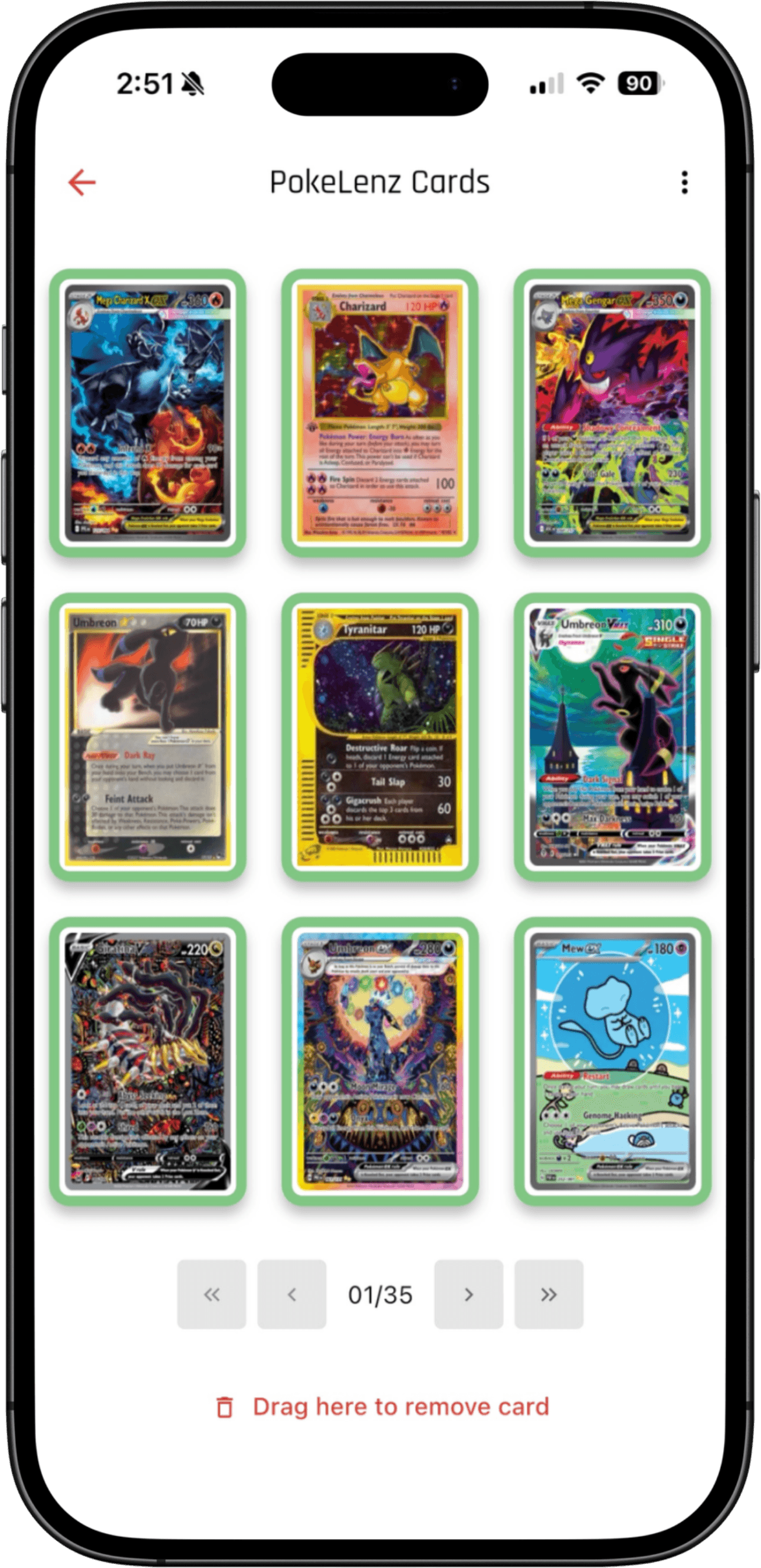
Start with the cards in front of you
PokeLenz has photo scanning for multiple cards in a frame and a Live mode for working through loose stacks. For a sleeved collection, frame a binder page, review the returned matches and save the cards. The scanner demonstration on this site shows four binder pages in one frame, with detected cards and example prices.
Collectr's scanner page describes framing a card, matching its printing, then setting quantity and condition before adding it to a portfolio. Both products have scanners; test the mode that matches your own collection rather than choosing on the word AI.
Make a collection look like your collection
PokeLenz supports binder covers, page backgrounds, arranged card slots and widgets inside pages. A favorite Pokémon, artist or trade selection can have its own layout. You can also publish a binder to a browser link, letting someone view it without installing the app.
Collectr PRO advertises custom profile backgrounds. A profile background and artwork inside individual binder pages are different customization tasks. Try PokeLenz's interactive binder sample to see the page layout before installing.
Compare the tools you will return for
PokeLenz combines collection-value history, card and sealed-product views, movers, wishlists, a trade analyzer and master-set progress. Feature access varies by plan. Its supported scanning games extend beyond Pokémon, including Magic and Lorcana.
Collectr's published PRO features include collection export and more than five years of pricing history. Check its current offer if historical price research or exporting an existing collection is your priority. Neither app's market estimate guarantees the price at which a card will sell.
Try a small collection before switching
Use the same binder page and a few loose cards in both apps. Check set and printing matches, how corrections work, quantities and the steps to save cards. Then create the type of collection you actually want to revisit.
If you already use Collectr, keep your existing records while evaluating PokeLenz. This guide does not promise a direct Collectr import. Check the available import workflow before moving a large collection.
Common questions
Is PokeLenz a Collectr alternative?
Yes, particularly for collectors who want multi-card photo scanning alongside custom digital binder pages and collection tracking. Compare current game coverage and paid features against your needs.
Does Collectr have a scanner?
Yes. Collectr documents a scanner with printing matches, quantity and condition entry. PokeLenz's binder-page and Live demonstrations show its own scanning workflows.
Can I try the PokeLenz binder before downloading?
Yes. The digital binder page includes an interactive sample with card layouts, backgrounds, ownership controls and a note widget. It is a web demo; edits reset on reload.